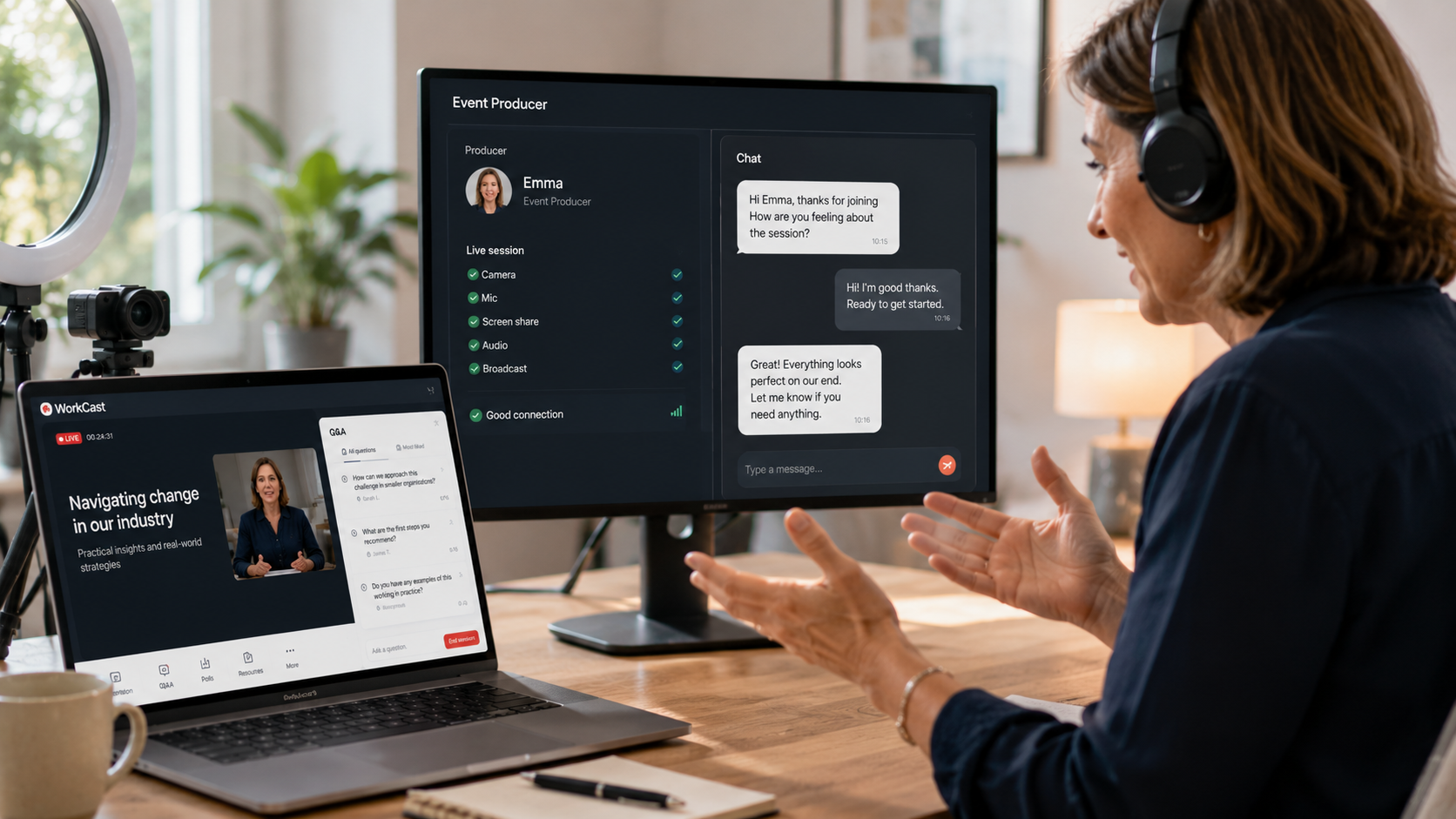
Getting members to register for a webinar is one thing. Creating a session they actively want to participate in is another.
For associations, that distinction matters. Webinars are an opportunity to do more than deliver information. They can give members a voice, create conversations around important topics and help you understand what your audience wants to hear more about.
But interaction rarely happens simply because you've added a Q&A box or a poll.
It needs to be part of how the webinar is planned.
Give members a reason to participate
One of the simplest ways to encourage interaction is to make it relevant to the conversation happening on screen.
Rather than adding a poll because you feel a webinar should have one, think about what you'd genuinely like to learn from your members.
If you're discussing an emerging issue in your profession, ask how it's affecting them. If you're introducing a new initiative, find out what matters most to your audience. If you're delivering professional learning, use a poll to understand existing knowledge or gather views before moving into the next part of the discussion.
The responses can then become part of the webinar itself.
That makes participation feel purposeful rather than like an interruption.
Make Q&A part of the session
Leaving five minutes for questions at the very end of a webinar can limit the opportunity for genuine conversation.
Instead, think about where questions could naturally fit throughout the session.
A moderator can keep an eye on incoming questions, identify recurring themes and bring relevant contributions into the discussion at appropriate points. Presenters can respond while the topic is still fresh rather than trying to cover everything before the clock runs out.
For members, it creates a much stronger sense that they're participating in the conversation rather than simply watching it.
Design interaction into the running order
Engagement shouldn't be something you think about once the presentation is finished.
Consider it while you're building the running order.
A webinar might begin with a quick poll to understand who's in the audience, move into a focused presentation, pause for questions, introduce another discussion point and finish by inviting members to share their experience or perspective.
The exact structure will depend on the topic and audience. The important thing is that interaction has a purpose.
You don't need something happening every few minutes. You need the right opportunities for members to contribute.
Learn from what members tell you
Those interactions can also help inform what happens next.
Poll responses can highlight subjects members want to explore further. Questions can reveal areas where people need more guidance. A particularly active discussion might even identify the subject of your next webinar, member resource or professional development session.
This is where digital events can become particularly useful for associations.
You're not only delivering content to members. You're creating opportunities to hear directly from them.
Don't forget the members who couldn't attend live
Not every member will be available at the scheduled time, particularly for associations with geographically dispersed or international audiences.
Making appropriate sessions available on demand gives more people an opportunity to access the content when it suits them and helps build a useful bank of learning and expertise over time.
The live audience may start the conversation, but the value of the content doesn't necessarily need to be limited to the people who were there on the day.
Give your presenters the confidence to interact
Interactive webinars also rely on presenters feeling comfortable with the format.
For someone who doesn't present regularly, keeping an eye on questions, responding to polls and delivering their presentation at the same time can feel like a lot to manage.
That's where preparation and moderation make a difference.
A clear running order, a rehearsal beforehand and a moderator who can manage audience interaction allow presenters to concentrate on the conversation rather than the technology.
WorkCast offers different levels of support depending on how much help your team needs, from managing events yourself to receiving additional support with delivery.
Better engagement starts with better planning
Polls and Q&A are useful tools, but simply switching them on won't automatically create an engaging webinar.
The strongest sessions give members a genuine reason to participate.
Ask questions because you want to hear the answer. Invite contributions when they can add something to the discussion. Give presenters the support they need to respond confidently.
For associations, that creates something much more valuable than another hour of content.
It creates a conversation with your members.
Book your WorkCast demo to see how associations can create more engaging digital experiences for their members.


.png?width=2380&height=2380&name=%E2%80%9CClick%20here%E2%80%9D%20to%20view%20our%20open%20uni%20handbook%20(1).png)