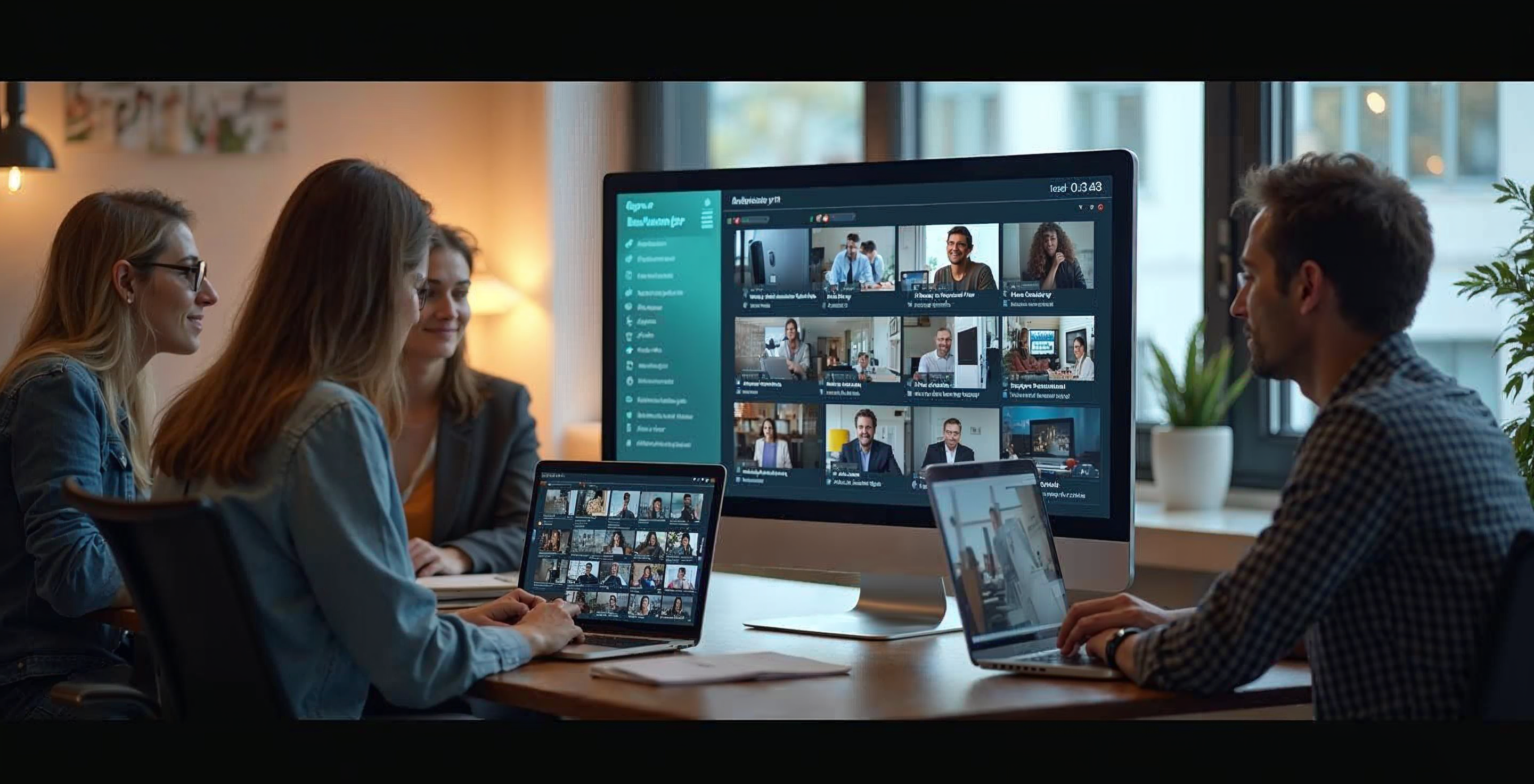
Virtual open days often struggle with one challenge: low interaction.
Attendees join, watch quietly, and leave without asking questions. Teams are left wondering who was genuinely interested and who simply logged in.
Polling and live chat can change that. But only when they are used intentionally.
Here’s how to use polling and chat strategically to increase engagement, surface intent, and strengthen recruitment outcomes.
Why Interaction Matters More Than Attendance

High registration numbers look good on a report. But engagement is what drives progression.
When students actively participate, they:
- Stay longer
- Ask more specific questions
- Reveal priorities and concerns
- Signal intent
Polling and chat are not just engagement tools. They are insight tools.
Used correctly, they transform your virtual open day from a presentation into a conversation.
Webinar Polling Best Practices
Polling works best when it is purposeful.
1. Start Early
Opening with a simple poll warms up the audience immediately. For example:
- What level are you considering? Undergraduate or postgraduate?
- Are you joining from the UK or internationally?
These questions do more than break the ice. They give you instant audience context and allow presenters to adjust tone or emphasis accordingly.
2. Keep Questions Clear and Focused
Complex polls reduce participation.
Stick to one idea per question and keep answer options concise. The goal is fast interaction, not deep analysis.
For example:
- Which factor matters most in your decision?
Course content
Career outcomes
Location
Funding
Simple structure leads to higher response rates.
3. Use Polls at Strategic Moments
Drop polls at natural pauses:
- After introducing a subject
- Before a Q&A segment
- When transitioning between speakers
This prevents passive listening and keeps attention levels high.
Well timed polling can also help you prioritise which questions to address live.
Live Chat Moderation Strategies
Chat is often underused or poorly managed. Without moderation, it can feel chaotic. With structure, it becomes one of your strongest engagement channels.
Create a Welcoming Environment
Encourage participation from the outset. A simple message such as “Feel free to introduce yourself in the chat and share what you’re most interested in today” can significantly increase activity.
When attendees see others participating, they are more likely to join in.
Assign Dedicated Moderation
Do not leave chat unmanaged.
Assign a team member to:
- Acknowledge questions quickly
- Share useful links
- Flag recurring themes
- Escalate key questions to presenters
Active moderation ensures valuable questions are not lost and maintains a professional tone throughout the event.
Surface High-Intent Questions
Some chat questions reveal serious interest.
For example:
- Application deadlines
- Entry requirements
- Accommodation availability
- Funding options
These interactions signal intent. When captured and integrated with your CRM, they inform smarter follow-up after the event.
Using AI-Supported Q&A Responsibly
AI-assisted Q&A tools can support moderation by organising and categorising incoming questions.
This helps your team:
- Identify common themes
- Respond more efficiently
- Ensure important queries are prioritised
AI should not replace human interaction. Instead, it should support faster response times and reduce pressure during high-attendance sessions.
The goal is responsiveness, not automation for its own sake.
Turning Interaction Into Recruitment Insight

Polling and chat generate valuable behavioural data.
When integrated with your CRM, this engagement can inform:
- Personalised follow-up emails
- Subject-specific outreach
- Invitations to targeted events
- Prioritisation of high-intent prospects
For example, a student who participates in multiple engineering polls and asks detailed course questions is showing stronger interest than someone who passively watches.
Interaction data provides clarity on who to nurture first.
Measuring What Works
Analytics help you understand which interaction strategies are most effective.
Review:
- Poll participation rates
- Volume and type of chat questions
- Engagement spikes during sessions
- Drop-off points
If engagement increases when polling is introduced, build more structured interaction into future sessions. If certain topics consistently generate high chat activity, consider expanding them in future open days.
Over time, these insights refine your event design and improve outcomes.
Hybrid and On-Demand Considerations
Interaction should not end when the live session finishes.
For hybrid and on-demand open days:
- Allow chat replays or moderated comment threads
- Analyse which polls generated the most interest
- Track repeat viewing behaviour
Even asynchronous engagement offers signals about student priorities.
From Interaction to Impact
Virtual open days are most effective when students feel involved rather than spoken at.
Polling creates momentum.
Chat builds connection.
Structured moderation ensures clarity.
CRM integration turns engagement into action.
When these elements work together, interaction becomes measurable intent and intent becomes progression.
If you are reviewing how your virtual open days drive meaningful engagement, explore how WorkCast supports universities with interactive tools, real-time analytics, and CRM integration designed for recruitment success.
Share this

Stop the Glitches: How to Deliver Seamless Virtual Open Days
Virtual Open Days That Build Trust and Drive Student Progression